
HelpMe
Remote Desktop
Logging into you Caring Professionals’ Computer Remotely
In order to access your work computer from your personal Computer, you need to follow these steps: (If you are using a Mac scroll down to Mac setup.)
For Windows Computers:
- Click on the start menu and type MSTSC.
- Click on “Remote Desktop Connection”
-
Type the Address of your Remote Computer.
This will depend on which TS you use.
- For TS1 Brooklyn: ts1.cprony.com:3399
- For TS2 Brooklyn: ts2.cprony.com:3398
- For TS3 Brooklyn: ts3.cprony.com:3397
- For TS5 Brooklyn: ts5.cprony.com:3394
- For TS1 Queens : qnsts1.cprony.com:3399
- For TS2 Queens : qnsts2.cprony.com:3398
- For TS3 Queens : qnsts3.cprony.com:3397
- For TS5 Queens : qnsts5.cprony.com:3395
If you have a Mac
- Watch the video on how to setup Remote desktop on APP.
- For PC Name, type in the correct TS link above
- For username and password type “user”
To setup your Phone
- Plug the Network Cable into a Lan port of your router
- Insert the other end of the cable into the Ethernet port on your phone
- Plug the power adapter into phone and other end into outlet
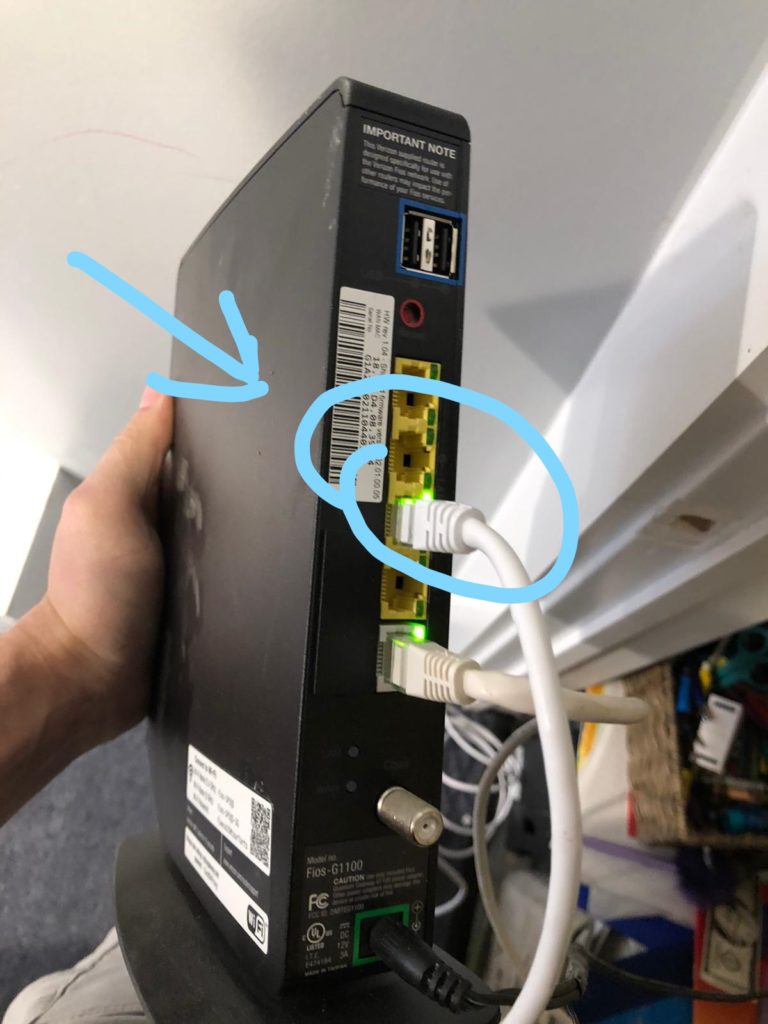
1- Plug the Network Cable into a Lan port of your router
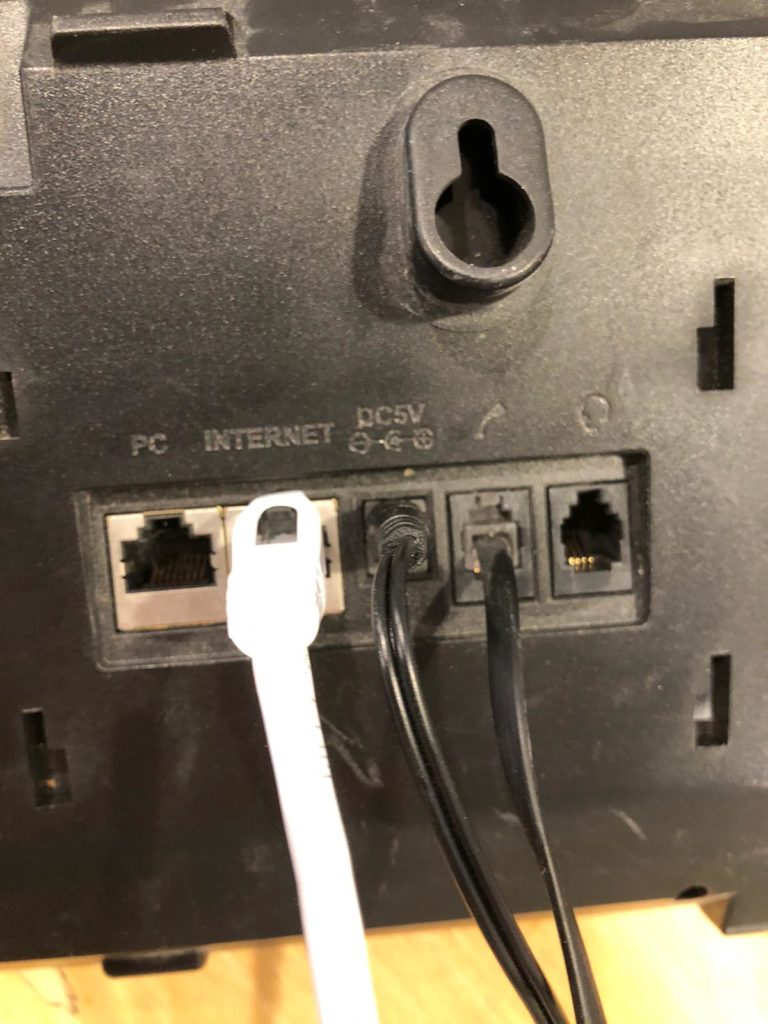
2- Insert the other end of the cable into the Ethernet port on your phone & Plug in the power adapter to the phone
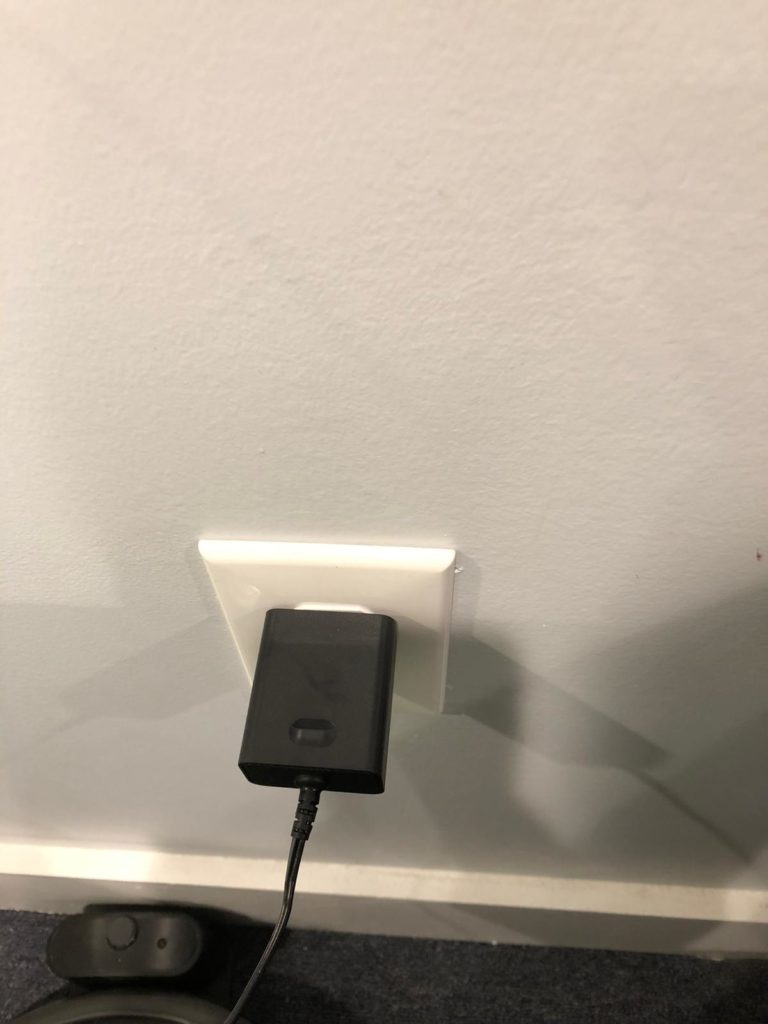
3- Plug the power adapter into outlet
For Remote Support from IThelp or Voipsupport, click here: https://get.teamviewer.com/witsviewer